
Glance at the version number before you upgrade
The secret to a smoother app hides in the update prompt you always close. Read the version number in three seconds and stop missing the upgrades that actually matter.
Read more →For a genuine LetsVPN, the official download channel is all you need. A proprietary protocol delivers fast, steady connections, with the service online for 2000+ consecutive days — even through sensitive periods. Genuine installers for four platforms are one page away.
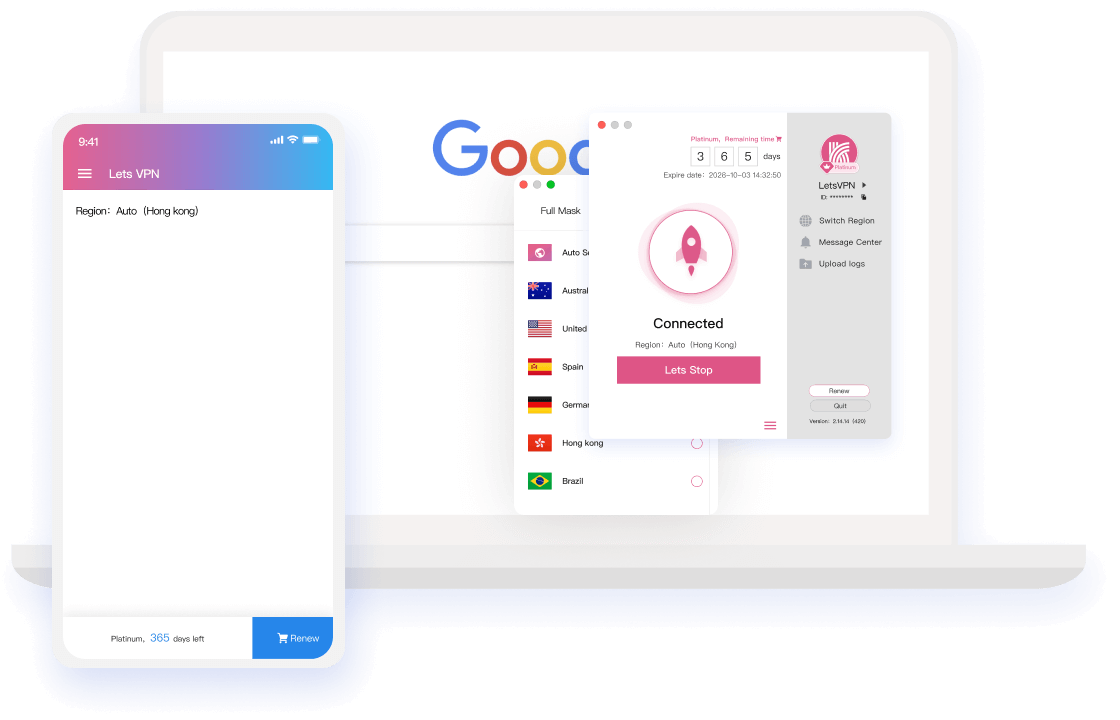
A genuine channel is not just about safety — it's a long-term experience.
The official client connects out of the box: the AI kernel matches the fastest global node automatically, and one tap on Quick Connect brings silky browsing within three seconds.
Unrestricted, unrecorded access to any network resource; trace-wiping runs alongside, so distant sites feel local and you remain untraceable wherever you go.
LetsVPN holds a long-term spot in App Store utility rankings plus an independent Google security review and AppEsteem certification — and stores no personal information whatsoever.
Downloading costs nothing and a 72-hour free trial comes first. Memberships start at a single day, refund any time — never trapped, ever.
All mainstream platforms are covered; one account shares the membership with simultaneous sign-ins, keeping every use case seamlessly connected.
Official downloads come with 24-hour online service: 100+ live agents and network engineers answer on call — VIP care that never goes offline.
One account covers mainstream apps and sites — remote access that feels local.












More apps on the way — stay tuned
Scan the QR code or tap your platform to complete the official LetsVPN download.

A camera scan skips every middle page to the official package
Versions, operations and pitfall warnings — collected in one feed.
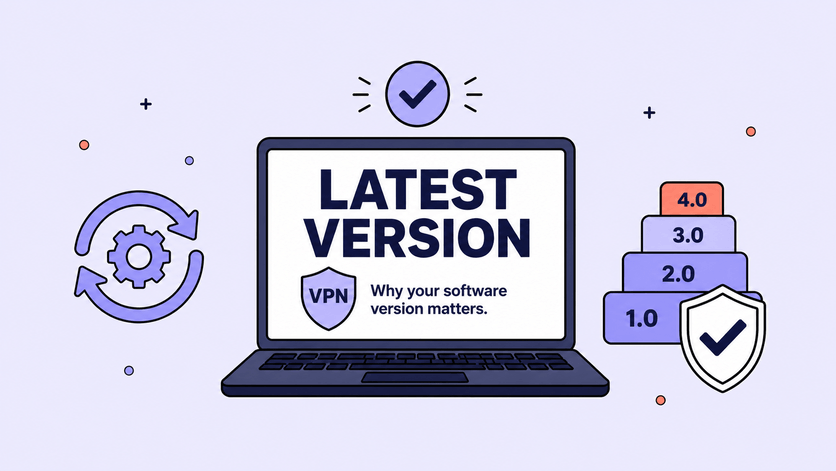
The secret to a smoother app hides in the update prompt you always close. Read the version number in three seconds and stop missing the upgrades that actually matter.
Read more →
Refunds past their promise, amounts that don't match remaining time, the pressure the team carries — none of these deserve a one-line notice, so this post addresses each of them.
Read more →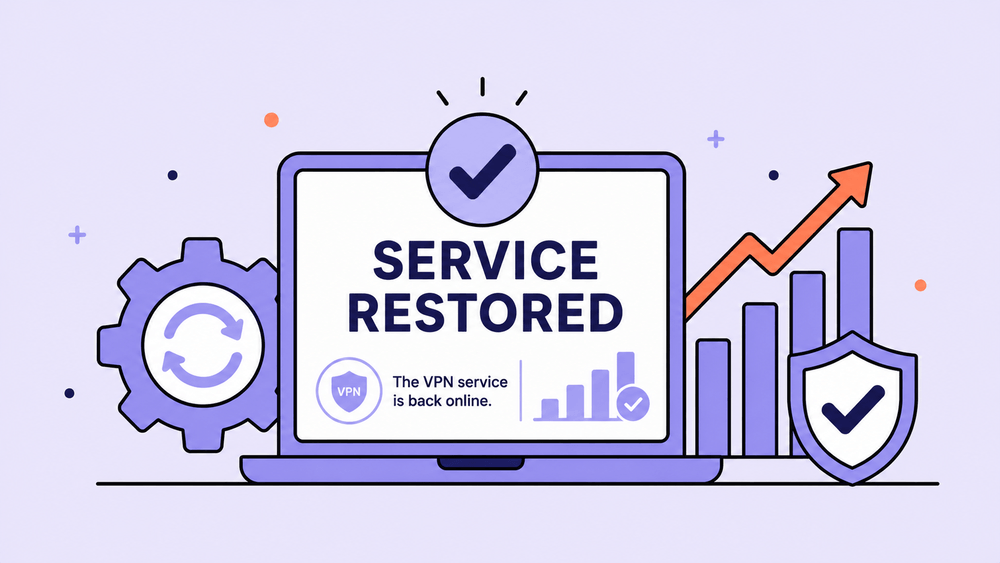
From midnight May 8 (Toronto time) the standard mechanism returns: time deducts normally, and purchases hit between April 8 and May 8 get compensated automatically after the freeze.
Read more →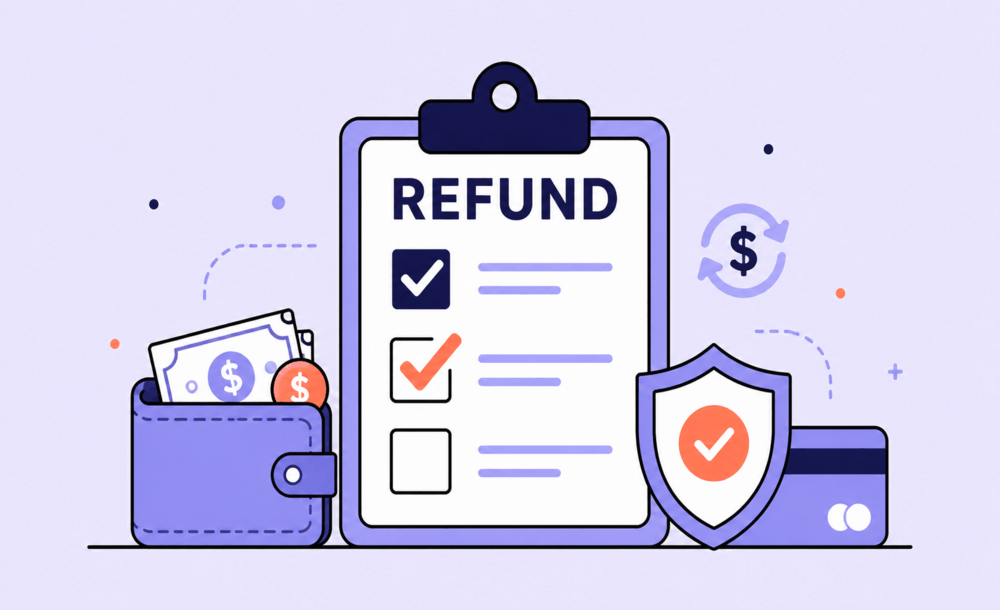
A direct answer to "running away?" rumors: refunds keep moving, freeze/self-refund/status tools are live, and the post closes with tips for spotting fake refund scams.
Read more →
LetsVPN launches account time freeze, refund status tracking and self-service refunds in stages, alongside published plans for billing resumption and free-time compensation.
Read more →
We must end mainland China operations and can no longer provide service there. Regret and gratitude in equal measure — thank you for the trust and support over the years.
Read more →Six frequent errors with official fixes; when none works, live agents step in.
Check whether the Apple ID region is <Mainland China>, or a recent switch hasn't synced on Apple's side;
Fix: sign out of the <Hong Kong Apple ID> and back in, then download again.
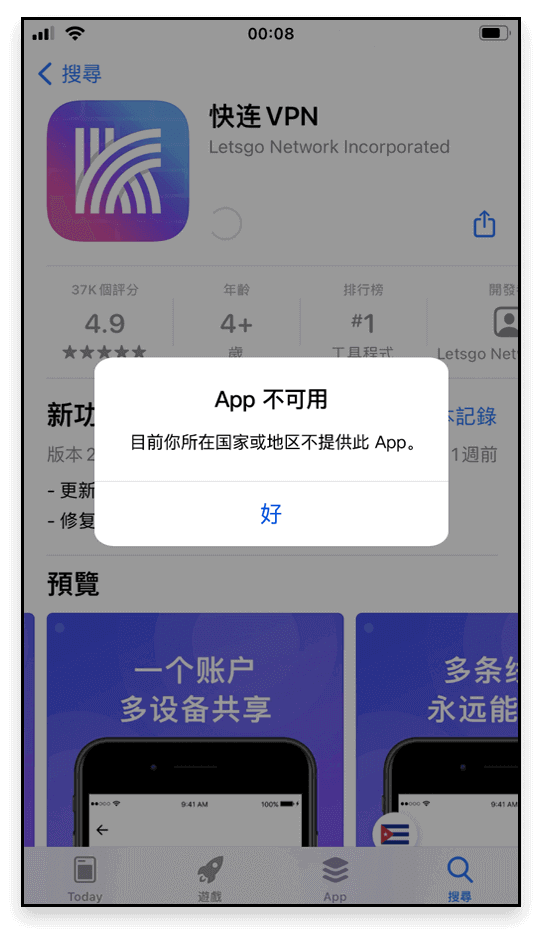
Occurs when the app was downloaded with <Apple ID A> but updated under <Apple ID B>;
Fix: delete the old build and reinstall the new one.
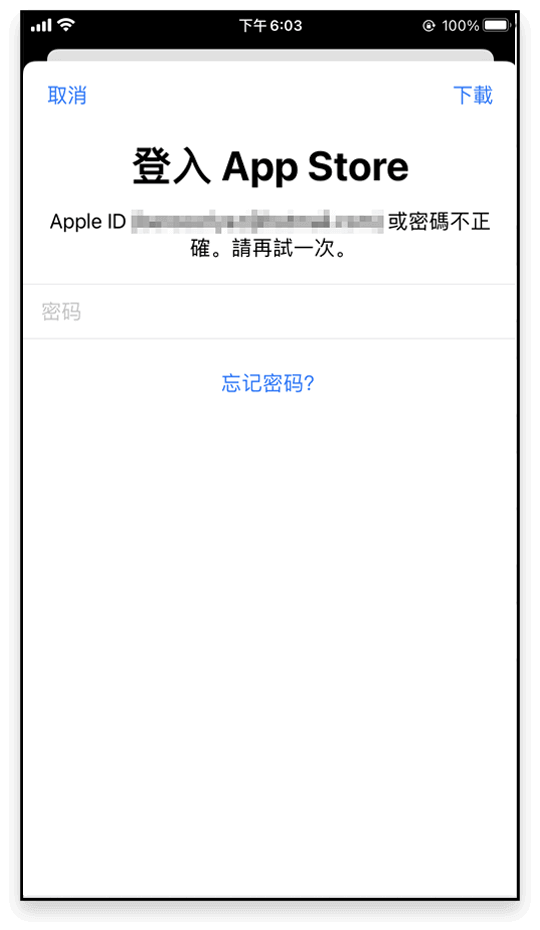
A leftover <previous version> of LetsVPN conflicts with the App Store build;
Fix: delete the old version and reinstall the new one.
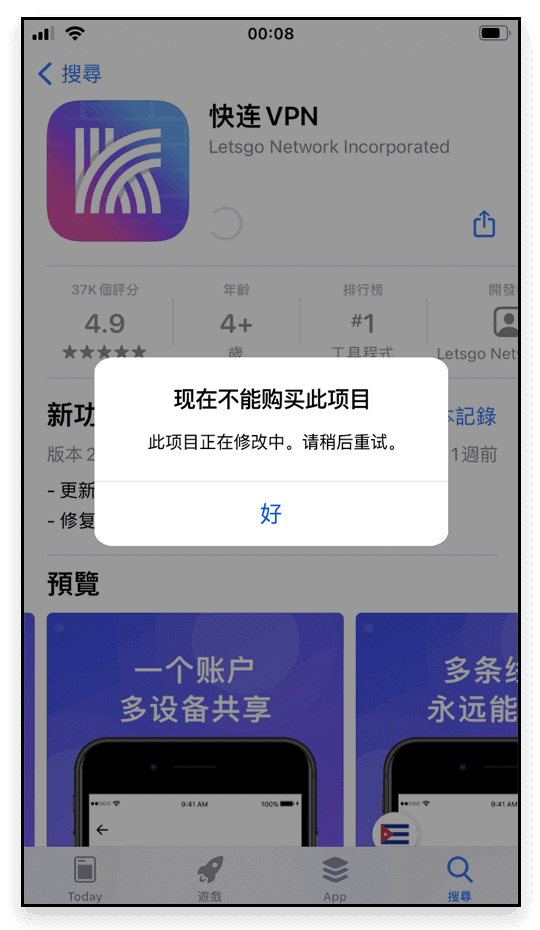
Once again the <previous version> conflicting with the store;
Fix: remove the old version and reinstall.
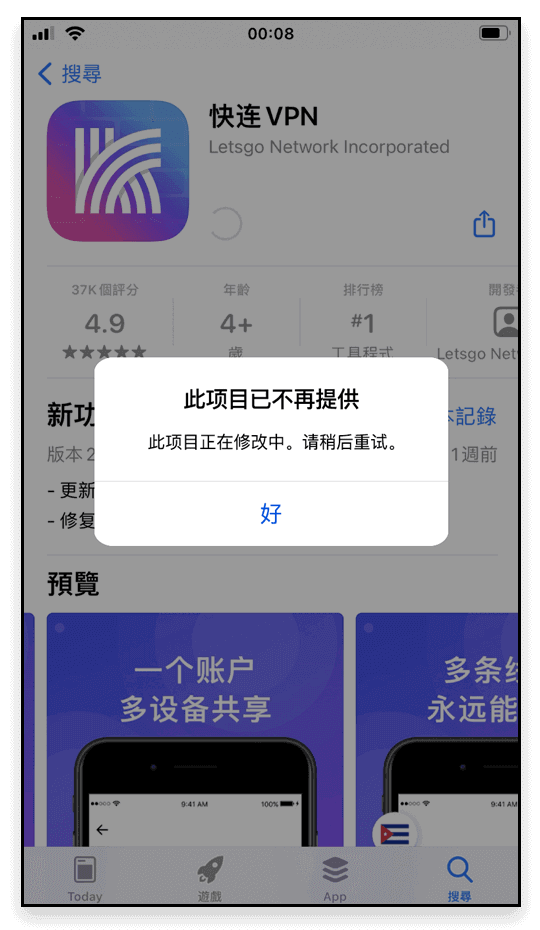
Old-version leftovers trigger the conflict — your account is not at fault;
Fix: uninstall and reinstall the latest version.
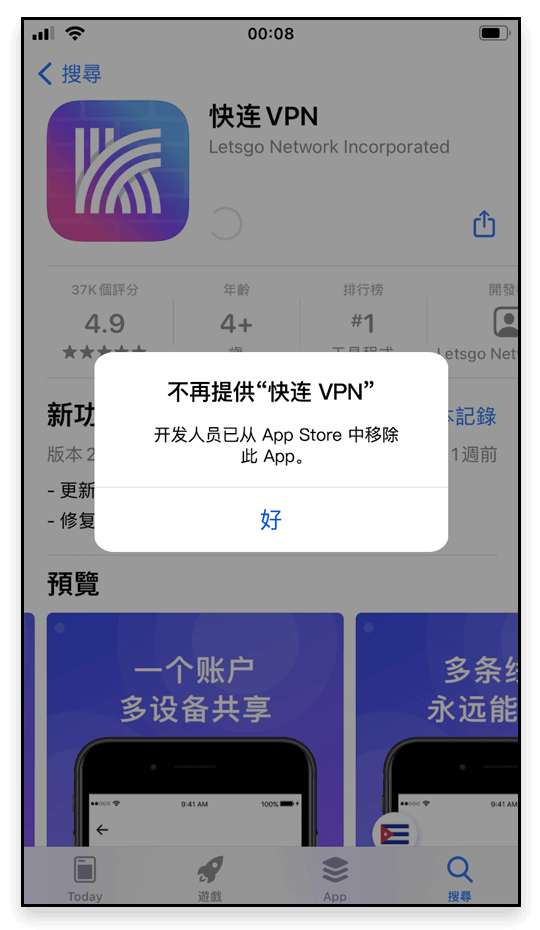
For any download or install trouble, contact live chat support — our professional team will help you solve any problem.
No logging, no storing of personal activity — the privacy policy speaks for itself.
Privacy first: Lets VPN does not collect or log traffic data, browsing activity, or email.
These Terms of Service (“the Terms”) govern your use of the LetsVPN and the associated website domains (the “Site”).
These Terms of Service (“the Terms”) govern your use of LetsVPN Services; kindly read them carefully.
Sign in to view your membership, devices and orders.
Registration is available in the app — please download it first.